

Description
Download Registry Mechanic – registry, registry cleaner, system optimization, pc maintenance, windows registry
Overview
Registry Mechanic is a utility application designed to address and resolve issues within the Windows Registry, aiming to improve system stability and performance. The Windows Registry is a critical database that stores low-level settings for the operating system and installed applications. Over time, improper software installations, deletions, or system errors can leave behind invalid or orphaned entries, potentially leading to slower performance, application crashes, or system instability. Registry Mechanic helps mitigate these risks by scanning the registry for such anomalies and offering repair options.
Target users include both novice and intermediate computer users seeking to maintain their PC’s health without deep technical knowledge. The tool is particularly useful for individuals who experience recurring system slowdowns or unexpected crashes and wish to perform routine maintenance. While the developer, Registry Mechanic, has not provided additional background information, the app’s long-standing presence in the utility space suggests a focus on reliability and user accessibility. Real-world use cases include preparing a system for new software installations, troubleshooting performance degradation, and maintaining long-term system integrity.
Within the broader software ecosystem, Registry Mechanic fills a niche role as a specialized system optimization tool. Unlike general-purpose cleaners, it focuses exclusively on registry integrity, offering a targeted approach to PC maintenance. Its continued relevance underscores the ongoing need for tools that help users manage the complexities of system-level configurations safely and effectively.
Key Features & Functionality
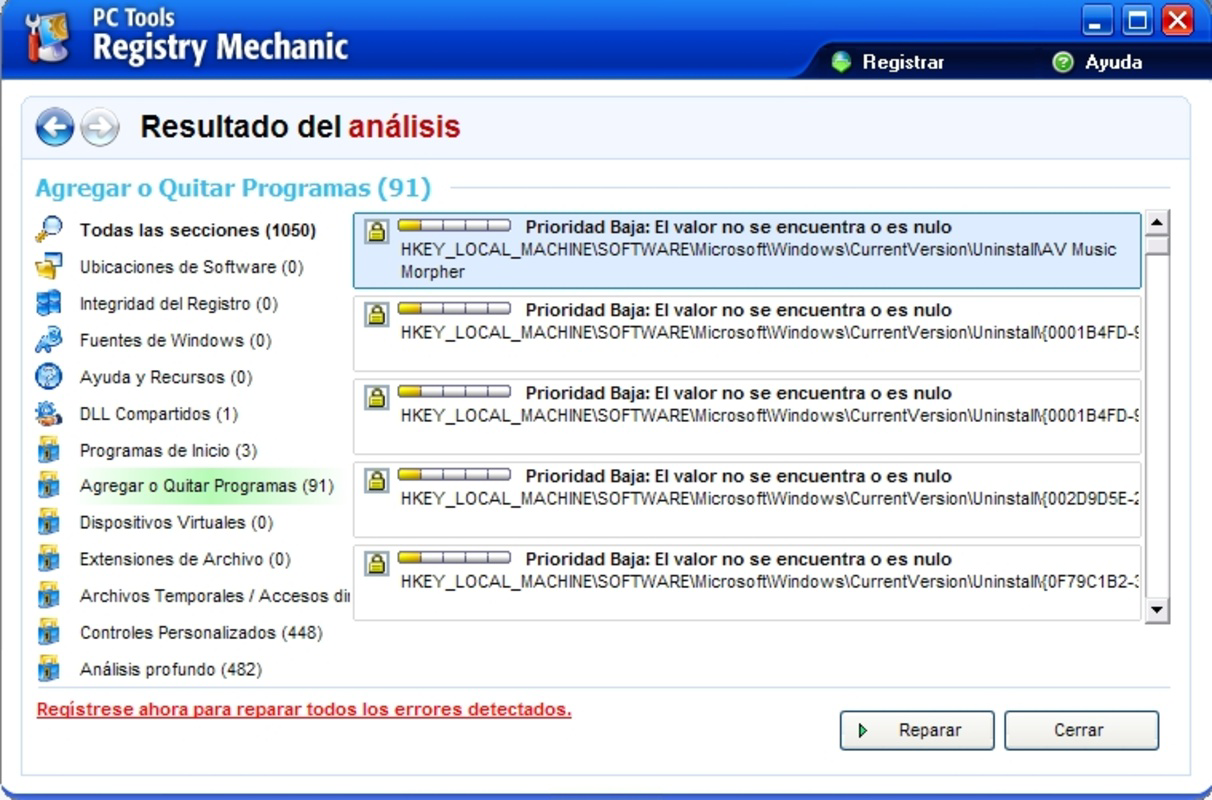
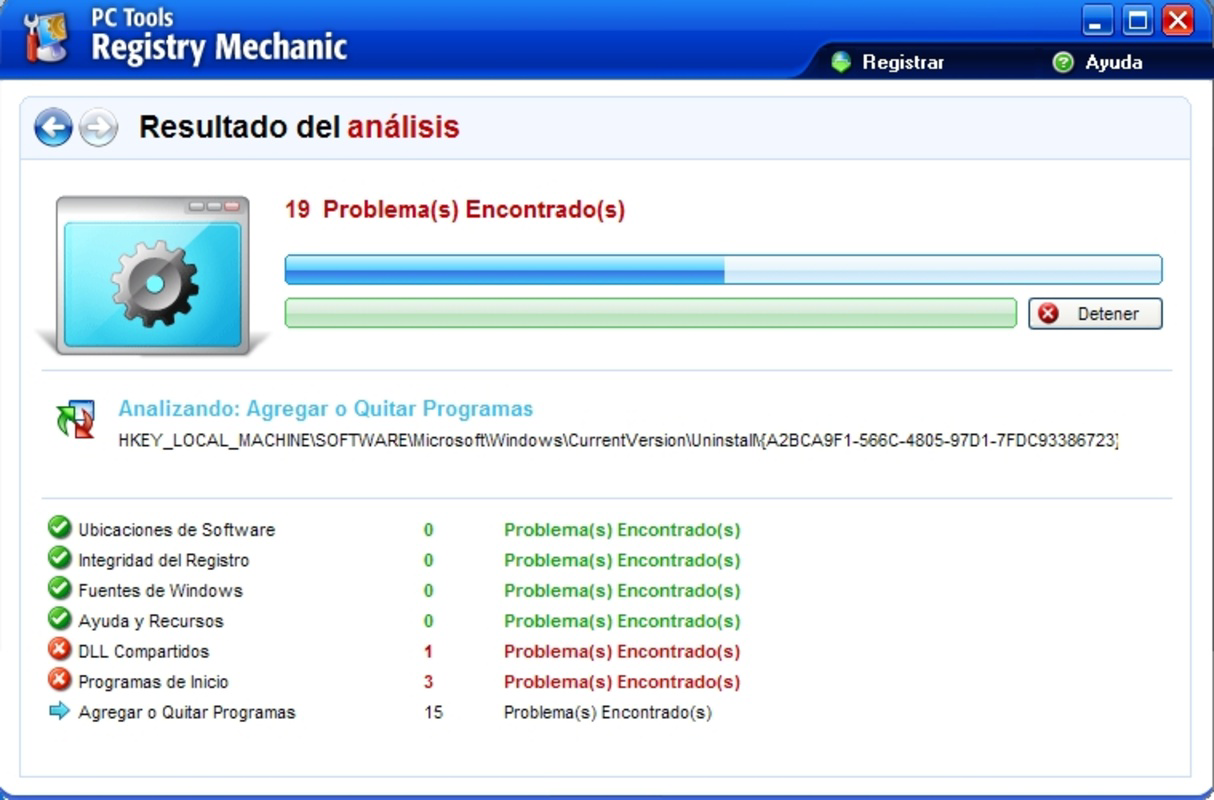
- Comprehensive Registry Scanning: The application performs in-depth scans across the entire Windows Registry to detect invalid entries, missing references, and corrupted data. This thorough approach ensures that potential issues are not overlooked, supporting a more stable computing environment.
- Selective Cleaning Options: Users can choose to repair specific errors individually or opt for automated fixes across all identified issues. This level of control allows users to tailor the cleaning process to their comfort level and system needs.
- Automatic Backup Creation: Before making any changes, the tool generates a backup of the registry. This safety mechanism enables users to restore the original state if any adverse effects occur post-cleanup, minimizing the risk of system instability.
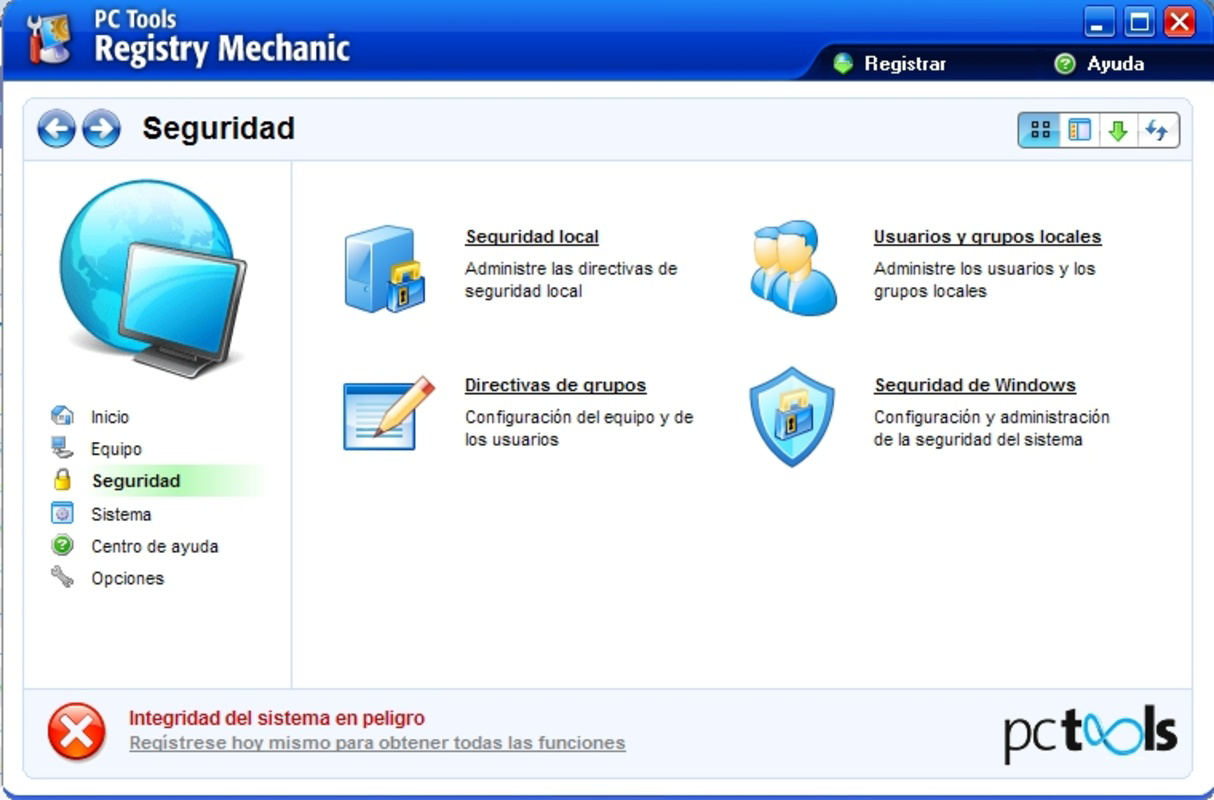
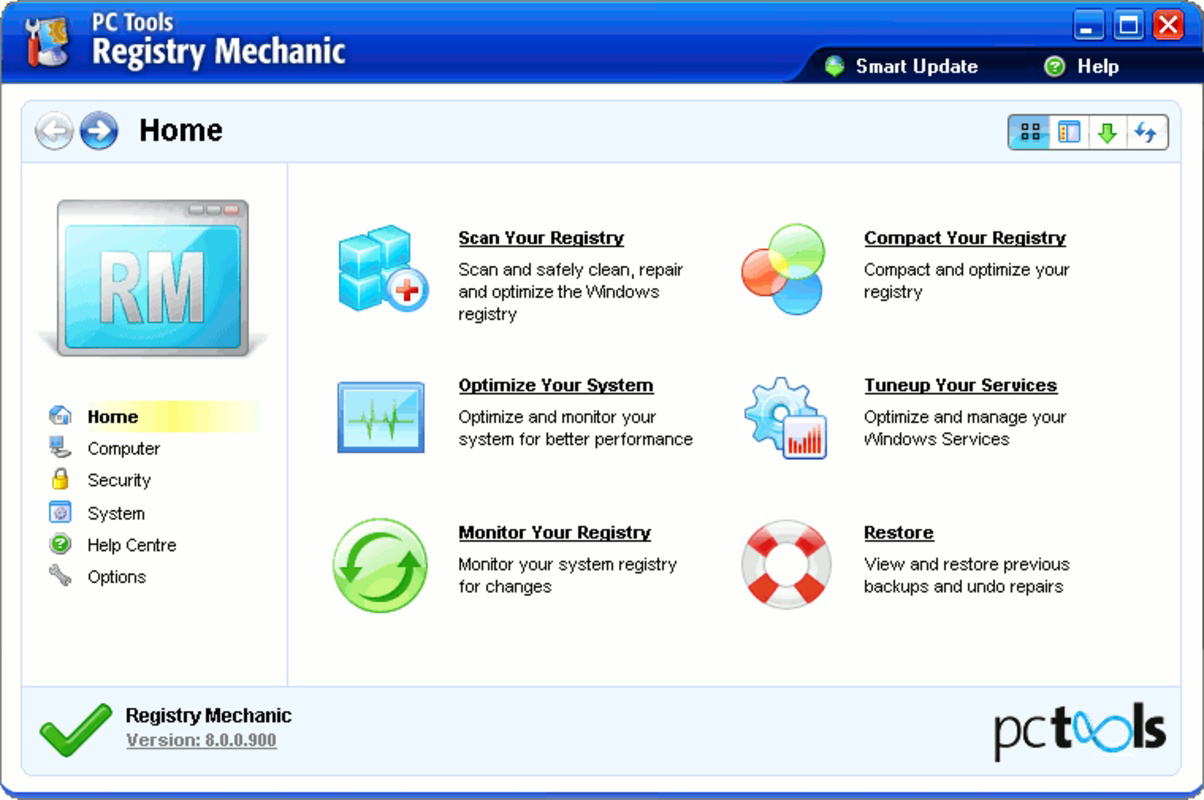
- User-Friendly Interface: Designed with accessibility in mind, the interface offers intuitive navigation and clear prompts. Even users with minimal technical experience can operate the tool effectively without requiring prior knowledge of registry mechanics.
- Performance Optimization: By resolving registry-related issues, the application contributes to faster boot times, reduced application lag, and fewer system crashes. Regular use may help sustain optimal PC performance over time.
For example, a user experiencing frequent application crashes might use Registry Mechanic to scan and repair corrupted registry entries linked to those programs. Similarly, someone preparing to upgrade their system software could run a scan to ensure the registry is clean and stable before installation.
Interface, UX & Performance
Registry Mechanic features a clean, straightforward interface that emphasizes clarity and ease of navigation. The layout organizes key functions—such as scanning, repairing, and backup management—into clearly labeled sections, reducing cognitive load for users. Visual cues and progress indicators help users track the status of ongoing operations, enhancing transparency during the process.
Navigation is linear and intuitive, guiding users through each step without requiring advanced technical understanding. The tool avoids cluttered menus or overwhelming options, focusing instead on essential tasks. While the developer did not list formal performance metrics, the application’s lightweight footprint of 2.5 MB suggests it operates efficiently without consuming significant system resources.
Although the developer did not specify minimum OS requirements, the app is designed for Windows platforms and is likely optimized for modern versions of the operating system. Responsiveness appears consistent across device categories, with minimal lag during scanning and repair cycles. Stability is supported by the built-in backup mechanism, which reduces the likelihood of irreversible system changes. Overall, the user experience reflects a focus on reliability and simplicity.
Platform Compatibility & Technical Requirements
Registry Mechanic is designed for the Windows platform. The current version is 1.0, with a file size of 2.5 MB. The developer did not specify minimum OS requirements or compatibility details beyond the platform. As such, it is unclear whether the application supports older versions of Windows or newer releases.
Given its size and age, the software may function on a range of Windows systems, but users should exercise caution when installing on systems with updated security protocols. The lack of detailed technical specifications means compatibility cannot be confirmed for all devices. It is recommended to verify system compatibility before installation, especially on newer Windows versions.
Pros and Cons
Pros
- Targeted focus on registry integrity for precise system optimization.
- Comprehensive scanning ensures thorough detection of invalid entries.
- Automatic backup feature enhances safety and user confidence.
- Intuitive interface suitable for non-technical users.
- Lightweight design with minimal system resource usage.
Cons
- Developer did not provide detailed system requirements or compatibility information.
- Price point of $29.95 may be considered high for a single-purpose utility.
- Version 1.0 suggests limited updates or modernization efforts.
- No information on update frequency or support lifecycle.
- Not available on mobile platforms; strictly a desktop application.
FAQ
Is Registry Mechanic safe to use?
Yes, the application includes an automatic backup feature that preserves the original registry state before any changes are made. This allows users to revert if unexpected issues occur.
Can I use Registry Mechanic on older versions of Windows?
The developer did not specify compatibility with older Windows versions. Users should verify system requirements before installation.
Does Registry Mechanic require a constant internet connection?
No, the tool operates offline. All scanning and repair functions are performed locally on the device.
How often should I run a registry scan?
It is recommended to run a scan periodically, such as every few months, or before major system changes like software upgrades.
Is Registry Mechanic available for mobile devices?
No, the application is designed exclusively for Windows desktop systems and is not available on Android or iOS.
Final Thoughts
Registry Mechanic offers a focused, user-friendly solution for maintaining the health of the Windows Registry. Its core strengths lie in its comprehensive scanning, selective repair options, and built-in safety backups. While the lack of detailed technical specifications and the single version release may raise questions about long-term support, the tool remains a viable option for users seeking to enhance system stability.
It is particularly beneficial for individuals who want a straightforward way to manage registry-related issues without technical complexity. For those maintaining older or frequently used PCs, the app’s lightweight design and performance optimization features provide tangible value.
Despite its age and pricing, Registry Mechanic continues to serve a niche but important role in PC maintenance. If you’re looking to improve your system’s performance and reliability through registry cleanup, this utility is worth considering.
Download Registry Mechanic now
Guides & Tutorials for Registry Mechanic
How to install Registry Mechanic
- Click the Preview / Download button above.
- Once redirected, accept the terms and click Install.
- Wait for the Registry Mechanic download to finish on your device.
How to use Registry Mechanic
This software is primarily used for its core features described above. Open the app after installation to explore its capabilities.
User Reviews for Registry Mechanic 0
No reviews found


